How to Transfer Money From Ratibi Card
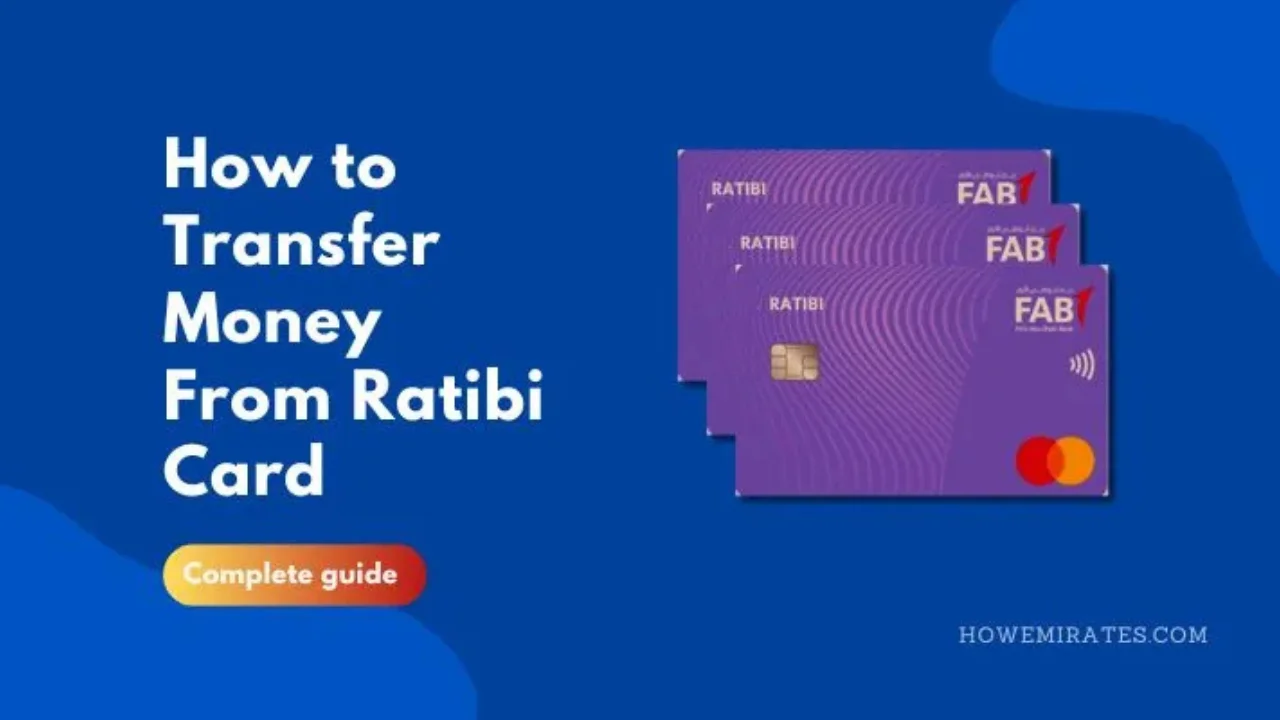
Want to send part of your salary home or pay someone in the UAE from your FAB Ratibi card? A Ratibi card has no bank account or online banking, but you can still transfer money from Ratibi card by linking it to the Payit app. This guide shows the steps, the fees and the safest way to do it.
How to Transfer Money From Ratibi Card Using Payit
A Ratibi card has no online banking of its own. To send money from it, you link the card to Payit, the digital wallet from First Abu Dhabi Bank. First check that you have enough money using the Ratibi card balance check or the official inquiry portal.
Step 1: Link Your Ratibi Card to Payit
- Download the Payit app from the App Store or Google Play.
- Choose to sign up as a Ratibi cardholder.
- Scan your Emirates ID.
- Enter your card details and verify the OTP sent to your registered mobile number.
- Create your password. Your Ratibi balance now shows in the app.
Step 2: Choose How to Send the Money
- To another Payit user in the UAE: pick a contact or scan their QR code.
- To a FAB account or another UAE bank account: add the recipient’s name and IBAN.
- To your home country: choose a bank transfer or a MoneyGram cash pickup.
Step 3: Enter the Details and Confirm
Enter the amount, check the fee and exchange rate shown in the app, and confirm with your PIN or OTP. Save the receipt or take a screenshot until the money arrives.
Payit Transfer Fees
Payit’s published fee schedule lists these charges. Fees for Ratibi-linked wallets can differ, so always check the final fee in the app before you confirm.
| Transfer type | Fee (AED) |
|---|---|
| Payit wallet to Payit wallet | Free |
| Payit wallet to a FAB account | Free |
| Bank transfer by Payit (Mastercard) | Free (AED 5 to India) |
| MoneyGram cash pickup | 10 |
| Bank transfer by SWIFT | 25 to 45 |
The exchange rate on international transfers also affects how much your family receives, so compare the amount they will get, not just the fee.
Other Ways to Move Money From Your Ratibi Card
- Withdraw cash at a FAB ATM and send it through an exchange house. Other banks’ ATMs may charge a fee.
- Pay bills and recharge your mobile directly from Payit instead of withdrawing cash.
- Shop or pay online with the card, which works on the Visa or Mastercard network.
Safety Tips
- Never share your PIN or OTP, even with someone claiming to be from FAB or Payit.
- Double-check the IBAN or phone number before you send. Transfers usually cannot be reversed.
- Only use the official Payit app from the App Store or Google Play.
Frequently Asked Questions
Can I transfer money from my Ratibi card to a bank account?
Yes. Link the card to Payit, choose a bank transfer and enter the recipient’s IBAN. Transfers to FAB accounts and other UAE banks are made the same way.
Can I add a Ratibi card to my Payit account?
Yes. Open the Payit app on your phone and click the “Ratibi Cardholder?” account. Now, scan your Emirates ID. Once the scanning is finished, you will be automatically directed toward the screen named “Add your Ratibi card.” From there, you can easily add the Ratibi card to your Payit account.
How much is the fee to transfer money from the Ratibi card to any other account?
It depends on where you send the money. Payit’s fee schedule lists free transfers to other Payit wallets and FAB accounts, AED 10 for a MoneyGram cash pickup and AED 25 to 45 for a SWIFT transfer. The app shows the exact fee before you confirm.
Final Verdicts
The easiest way to transfer money from a Ratibi card is to link it to the Payit app. From there you can send money to other Payit users, to bank accounts in the UAE and to your home country. Check the fee and exchange rate before each transfer, and never share your PIN or OTP.