Rpay balance Check: Al Rostamani Salary Card Balance Check in UAE
Is your salary paid on an Rpay card from Al Rostamani International Exchange (ARIE)? You can check how much is on it in a minute using the ARIE mobile app, at an ATM or at any Al Rostamani branch. This guide explains each Rpay balance check method and what to do if your salary does not show up.
Rpay balance Check
The easiest way is the official Al Rostamani International Exchange (ARIE) app, available on the Google Play Store. and the Apple App Store. Download it here:

Here are the steps to use this app to check the Al Rostamani Card Balance.
- Open the ARIE app and register with your Emirates ID and mobile number.
- Add your Rpay card details when the app asks for them.
- Open the card section in the app.
- Tap the balance option to see your available salary.
The balance updates as soon as your employer’s salary payment is credited.
What is the Al Rostamani Salary Card?
Al Rostamani International Exchange, known as ARIE, is a UAE exchange house licensed by the Central Bank. Besides money transfers and currency exchange, it runs a payroll service for companies, and the salary card it issues to employees is called the Rpay card.
What is an Rpay Card?
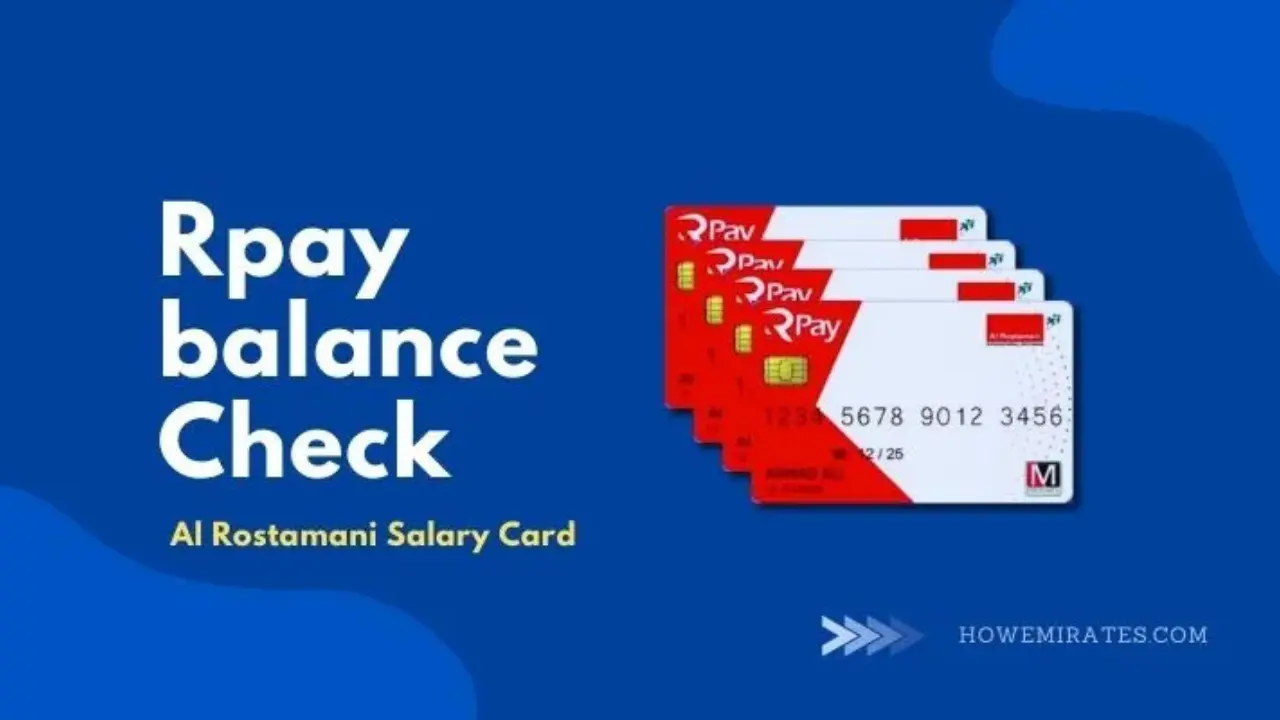
The Rpay card is the WPS payroll card from ARIE. Your employer loads your salary onto it every month, so you do not need a bank account. You can withdraw cash at ATMs, pay in shops and send money home through Al Rostamani.

Other exchange-house salary cards include Al Ansari PayPlus and Lulu.
Rpay Balance Check at an ATM
- Insert your Rpay card into an ATM that accepts it.
- Enter your 4-digit PIN.
- Choose Balance Enquiry to see your balance on screen or on a receipt.
Other banks’ ATMs may charge a small fee for a balance enquiry, so use the app when you can.
Rpay Balance Check at an Al Rostamani Branch
Visit any Al Rostamani International Exchange branch with your Rpay card and Emirates ID. The staff can tell you your balance, help with a blocked card or a forgotten PIN, and let you withdraw cash or send money home.
Salary Not Showing on Your Rpay Card?
- Ask HR to confirm that the salary has been sent. WPS payments can take a working day to arrive.
- Check again after a few hours, especially around weekends and public holidays.
- If HR confirms the payment but the balance is still missing, visit an Al Rostamani branch with your card and Emirates ID.
FAQs
Are there any charges for the Rpay balance check online inquiry?
No, there are no charges for checking the Rpay balance. All of the processes and steps are free of cost.
Can I get an Rpay card statement?
The ARIE app shows your recent card transactions. For a formal statement, ask at an Al Rostamani branch or check with your HR team.
Conclusion
The quickest Rpay balance check is the ARIE app. If you do not have a smartphone, use an ATM or visit any Al Rostamani branch with your card and Emirates ID.
If your salary is missing, speak to your HR team first, since the employer sends the salary through WPS. Keep your PIN private and never share it with anyone who calls claiming to be from the exchange house.