Lulu Exchange Balance Check: lulu salary check Online 2026
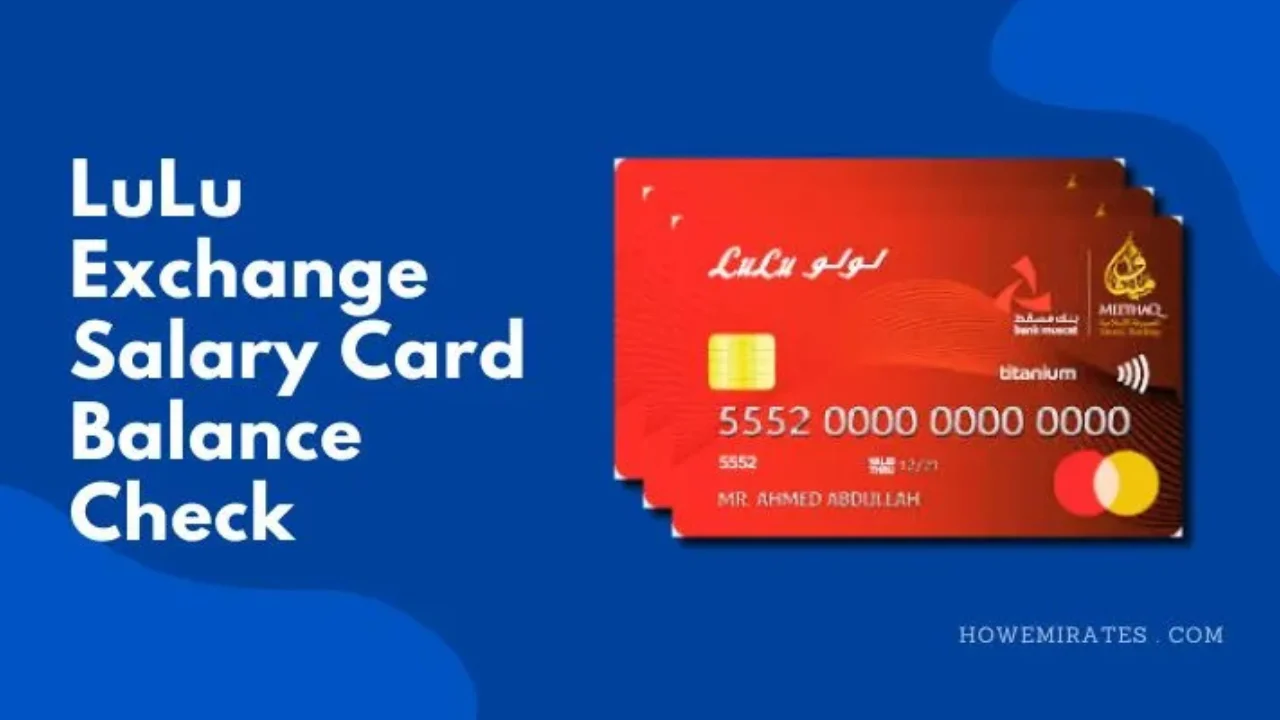
Get your salary on a LuLu Money Salary Card? LuLu Exchange, one of the UAE’s biggest exchange houses, pays salaries for many companies through this card under the WPS system. This guide shows every way to do a Lulu exchange balance check, so you can confirm your salary has arrived and see how much you have left.
Overview Lulu Money Card
The LuLu Money Salary Card is an app-first payroll card from LuLu Exchange. Employers use it to pay salaries to their employees, and it works like a digital WPS account. You can withdraw cash, shop at stores and online, and send money home, and the card is managed entirely in the LuLu Money app.
Lulu Exchange Balance Check step by step
To check Lulu Exchange Salary Card balance online, follow these steps:
- Open the Lulu Money mobile app on your mobile.
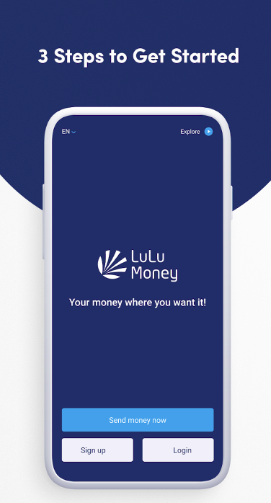
- Log In to the app by using your 4-digit PIN.
- From the Home page, select the option ‘Lulu Money Cards‘. OR from the ‘More‘ menu, you can select the ‘My Card‘ option. OR in the quick access section, add your card under the customer account.
- When ‘My Card‘ page opens, you’ll be able to see your Virtual Card in the top section and available balance will also be shown there.
Lulu Exchange Balance Check Via SMS
Checking your Lulu Exchange balance Via SMS is quick and simple. Follow these steps:
- Open the messaging app on your mobile phone.
- Type BAL, a space, and your card number, as shown in the instructions you received with the card.
- Send this message to 51199.
- Shortly after, you’ll receive a text message with details of your current balance.
Things You Should Know
- The SMS service at 51199 works on UAE mobile numbers only. Outside the UAE, use the LuLu Money app instead.
- This service provides a hassle-free way to stay updated on your salary card balance anytime, anywhere.
Lulu Money Mobile App
Lulu Money mobile app is a mobile app provided by Lulu Money. All of the financial services provided by Lulu Exchange houses can also be used by the Lulu Money mobile app. It provides the same extensive financial services that are provided at Lulu Exchange houses. It is a safe and secure way to manage and transfer money.
Al Rostamani customers can follow our Rpay balance check guide. PayPlus cardholders can use our Al Ansari salary card balance check guide.
What Else You Can Do in the LuLu Money App
- Check your balance and see your full transaction history
- Download your card statements
- Set a spending limit on the card
- Reset your PIN
- Block the card and order a replacement if it is lost
- Send money abroad straight from your salary card
Salary Not Showing on Your Lulu Card?
- Confirm with your HR or payroll team that the salary has been sent. Employers pay through WPS, and processing can take a day.
- Check the balance again in the app after a few hours, especially around weekends and public holidays.
- If HR confirms the payment and the balance is still missing, visit a LuLu Exchange branch with your Emirates ID and card.
Frequently Asked Questions
Are Lulu Money Salary Card and Lulu Exchange Salary Card the same?
Yes, Lulu Money Salary Card is a service provided by Lulu Exchange. Lulu Money Salary Card and Lulu Exchange Salary Card are the same.
How can I get the Lulu Money mobile app?
You can download Lulu Money mobile app from App Store or Google Play Store. Search for Lulu Money, download the app, and install it on your mobile.
What is the eligibility to use Lulu Money App?
UAE residents with a valid Emirates ID and a UAE mobile number can register on the LuLu Money app.
How should I register to use Lulu Money?
To use Lulu Money, all the users need to register first and complete KYC to use various services of Lulu Money.
Which document is required to register and verify my identity?
To register, you need an e-mail ID, a mobile number, and an Emirates ID. To verify your identity, you only need a valid Emirates ID.
Conclusion
The LuLu Money Salary Card makes it easy to keep track of your wages. The quickest balance check is the LuLu Money app, which also lets you download statements, reset your PIN and send money home. Without internet, use the SMS service or an ATM, and speak to HR first if your salary does not appear.