FAB Bank Balance Check Online: Prepaid Card Inquiry (2026) Guide
FAB Bank is one of the most famous and most used banks in Abu Dhabi. Named First Abu Dhabi Bank, it is used by local as well as international people due to its smooth performance and many other facts that the bank provides. FAB balance check, specifically FAB salary check, is one of the most asked queries. The reason is that they do not know how to check the balance or do not understand the technical aspects of the bank app or the site they use to proceed with their payment processes.
In this post, we provide a complete guide on PPC FAB balance check and FAB salary check.
Last update: Sep 2026
Reviewed by Howemirates Team
FAB Bank Balance Check Overview
FAB balance check is one of the important facilities provided by FAB Bank to all the customers who want to check their bank balance easily without following the hard and fast rules. Using this facility, customers can not only check their balance, but they can also track the completion of their transactions, i.e., sent and received payment details with taxes.
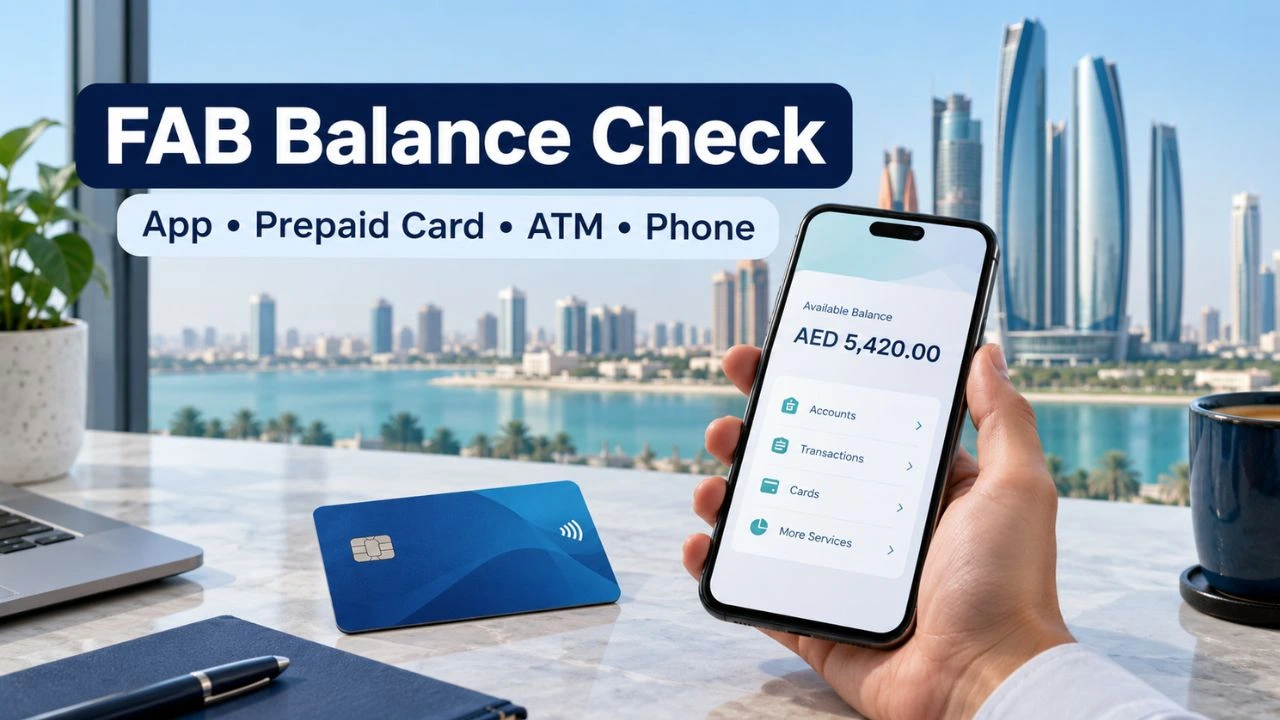
FAB Bank Balance Check with 4 easy methods
Moreover, there are different ways to check the FAB balance. Some of them, which are important and smooth, are given below:
FAB Balance Check through the FAB Bank Website
To check your FAB prepaid card balance, open the Prepaid Card Inquiry portal and follow these steps:
- Enter the last four digits of your card number in the boxes shown.
- Enter the Card ID printed on your card.
- Type the CAPTCHA exactly as it appears on the page.
- Click Go to view your card details and balance. ppc.magnati.com

FAB Bank Balance Check through FAB Mobile App
The FAB Mobile app lets you check the balance of a FAB account linked to your mobile banking profile. Follow these steps:
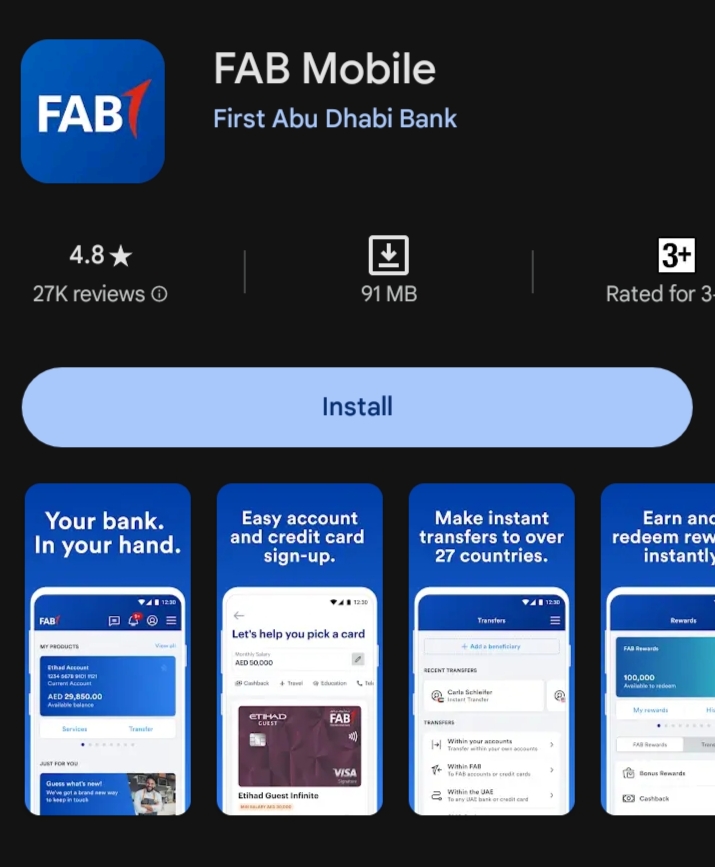
- Select your account to see its balance and recent transactions.
- Download FAB Mobile from the Google Play Store or Apple App Store.
- Open the app and log in with your registered mobile banking details. If this is your first time using it, follow the instructions on screen to register.
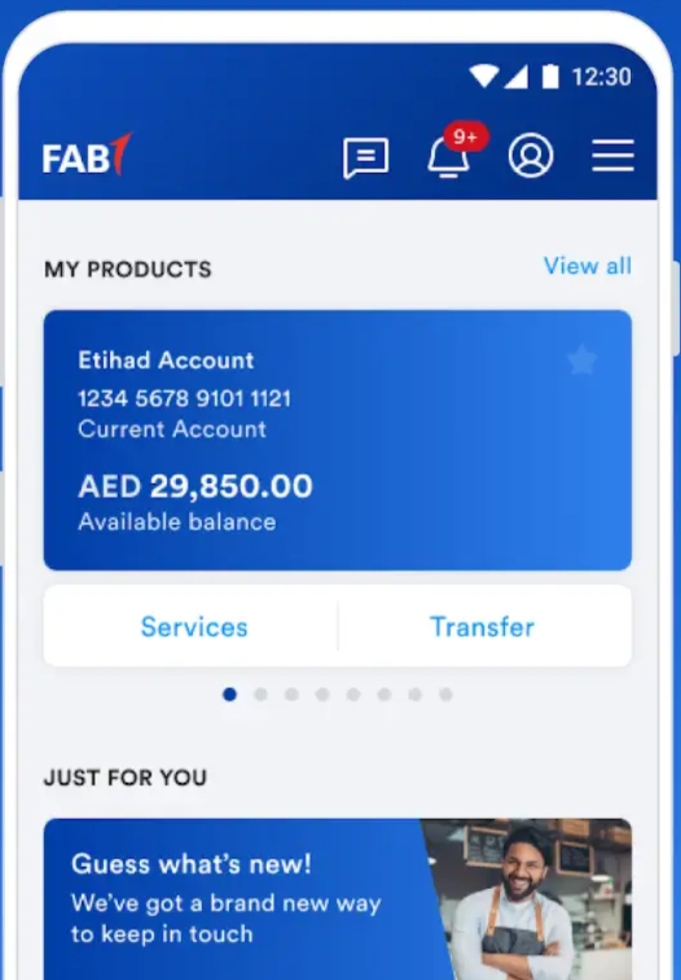
(Note: if you have not installed it before, you can install the app from the Play Store. If you are an iOS user, you can download the app from the App Store. When you open the app for the first time, you need to add the number registered to the bank account and your bank ID.
- Play Store App Link: For Android mobile
- iOS App Link: For iPhone
FAB Bank Balance Check through FAB Bank ATM
It is also an easy process. Here are the steps to be followed:
- Insert your card in any of the nearest ATMs (the ATM could be a FAB Bank ATM or any),.
- Insert your PIN.
- Now, you will see multiple options. Click on the “check balance” option, and in this way, you can check the FAB balance.
How to Check Your FAB Balance by Phone
You can call FAB if you cannot use the app or website. FAB lists 600 52 5500 for calls within the UAE and +971 2 681 1511 for international calls.
- Call the number for your location.
- Choose your preferred language when prompted.
- Follow the voice menu for account or card enquiries and complete the identity checks.
- Select balance enquiry if it appears. If you cannot find it, ask to speak to a customer service agent.
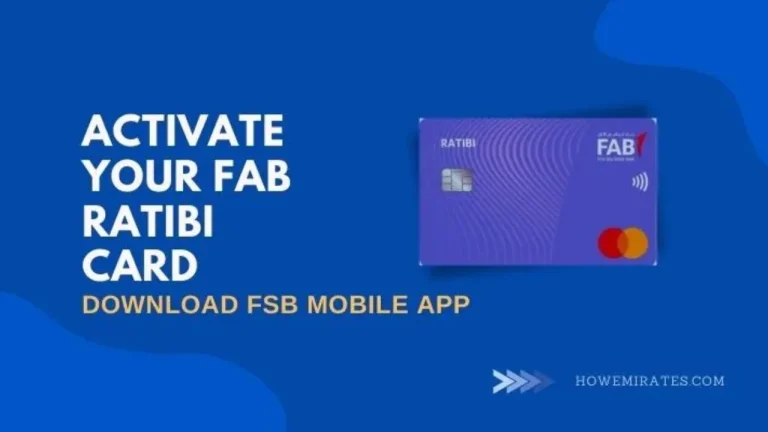
Ratibi cardholders: FAB also lists product-specific support for Ratibi cards. You can find the relevant number on the FAB prepaid cards page or on the back of your card.

FAB Salary Check Online Inquiry
It does not matter if you want to check the FAB salary from your account or if you want to check your FAB balance for a current or savings account; the steps are the same.
Some people may get confused about the FAB Salary Balance check account. The reason is that they might have opened a salary bank account while opening a bank account for the very first time based on the instructions from their employer. The methods and steps to check the salary balance account are also similar.
Minimum Balance Limit to Maintain FAB Bank Account
Maintaining the FAB bank account is different compared to other bank accounts. The reason is that, unlike other bank accounts, there is a specific balance limitation to keep on the FAB bank account. The minimum bank account limitation on this bank is 3000 AED. Keep in mind that this is the minimum limit and should always be in your account.

On the other hand, if your bank balance remains below 3000 AED, then there will be fees each month until you deposit 3000 AED into your account. The charges that you need to pay once your balance is lower than 3000 AED are 10 AED each month.
How to Open a FAB Bank Account
It is very easy to open an FAB bank account; the reason is that there are no hard and fast rules like other banks’ accounts. This is the reason that people love to open and use this bank account. Moreover, the balance check process and transaction processes are very easy. Here are some ways to open this bank account:
Method 1: Method 1 is to open your bank account using the FAB official bank website. Go to the site, find the relevant option, and fill in the correct details.
Method 2: This method includes opening a bank account using the FAB bank app. Download the app from the Play Store (for Android) or the App Store (for iOS). Once you install the app, sign up and fill out the details. In this way, you can open a bank account.
Method 3: The third method involves visiting any FAB bank branch and asking them to open your bank account. You may need to submit some documents while providing the information.
Note: There are 3 types of FAB bank accounts, including Salary accounts, savings accounts, and Current accounts. You can open any of these depending on your needs and requirements.
Older NBAD cards are covered in our NBAD balance inquiry guide.
Frequently Asked Questions
Is there a fee to check my FAB balance?
Balance enquiries at FAB ATMs are free. FAB lists an AED 1.05 fee for balance enquiries at other banks’ ATMs in the UAE.
Can I see my FAB transaction history online?
Yes. Open your account in FAB Mobile or personal online banking to see recent transactions.
How can I check my FAB balance without the app?
Use personal online banking, an ATM, or phone banking. Prepaid cardholders can use the card inquiry portal. www.bankfab.com
How do I check my FAB Ratibi salary card balance?
On the prepaid card inquiry portal, enter your card’s last four digits, Card ID, and captcha, then click Go.
What if my FAB prepaid card balance does not appear?
Check the card digits, Card ID, and CAPTCHA. If it still fails, contact FAB using the number on your card.
Can I check my FAB balance outside the UAE?
Yes, through FAB Mobile or online banking. For phone support, call +971 2 681 1511.
Conclusion
A FAB balance check is simple once you choose the right method for your card or account. Use FAB Mobile or online banking for a regular bank account. For a Ratibi or other prepaid card, use the prepaid card inquiry portal. You can also check your balance at an ATM or call FAB customer care if you need help.