Dubai Trade Container Enquiry: Dubai Container Tracking
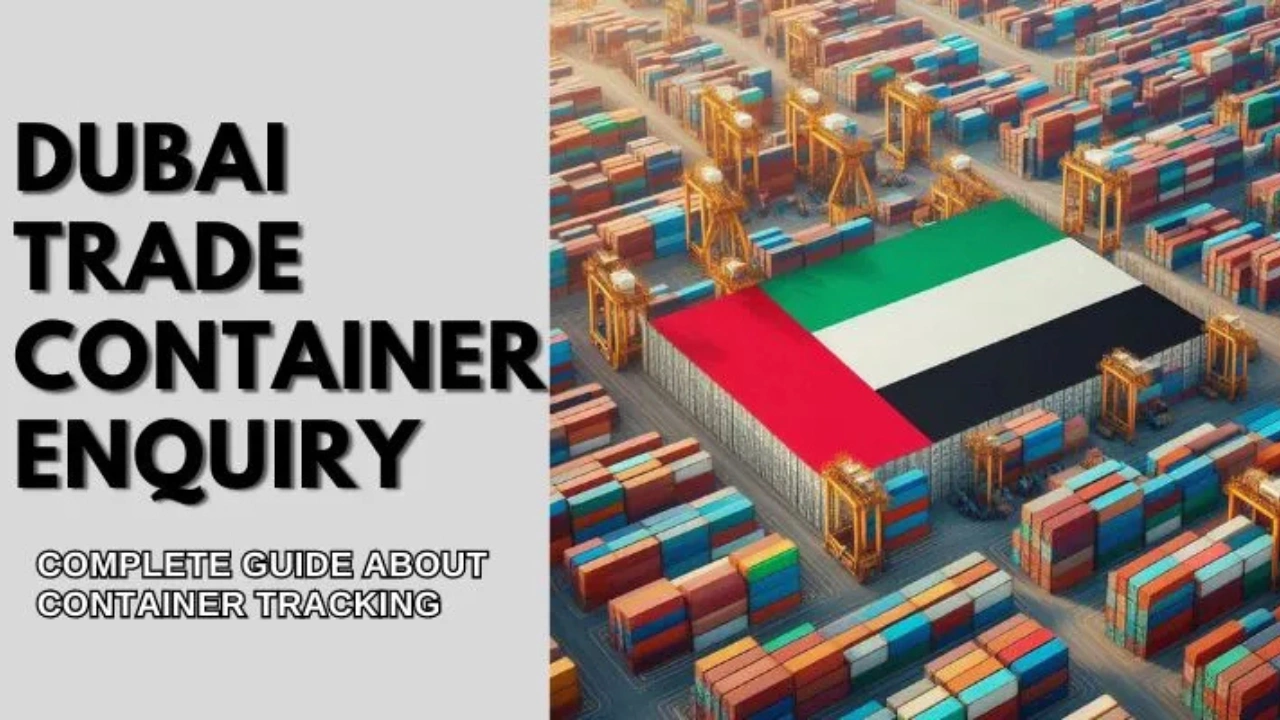
Waiting for a shipment at Jebel Ali and want to know where your container is? The Dubai Trade container enquiry lets you check a container’s status online using its container number or bill of lading number. This guide explains how the enquiry works in 2026, what the results mean and what to do next to clear your cargo.
What Is Dubai Trade?
Dubai Trade (dubaitrade.ae) is Dubai’s single-window trade portal, run within the DP World group. It connects the main trade bodies on one platform, including Dubai Customs, DP World (Jebel Ali Port) and Jafza free zone, so importers, exporters, shipping agents and clearing agents can track cargo, file documents and pay charges online instead of visiting several offices.
How to Track a Container on Dubai Trade (Step by Step)
- Open the Dubai Trade enquiry page on your phone or computer.
- Select the container enquiry option.
- Enter your container number (4 letters followed by 7 digits, for example MSCU1234567) or your bill of lading number.
- Complete the security check and submit.
- Read the latest status, such as vessel arrival, discharge, customs hold or gate-out, along with the date and time.
Some advanced services, such as document submission and payments, need a registered Dubai Trade account. Companies usually register through their trade licence, and clearing agents use their own accounts on behalf of clients.
Common Container Status Updates
| Status | What it usually means |
|---|---|
| Vessel arrived / berthed | The ship carrying your container has reached the port |
| Discharged | Your container has been unloaded from the vessel into the terminal yard |
| Customs hold / inspection | Dubai Customs needs to check documents or inspect the cargo |
| Ready for delivery | Charges and clearance are done, and the container can be collected |
| Gate-out | The container has left the terminal by truck |
Wording can differ slightly by terminal and service. If a status is not clear, ask your shipping line or clearing agent to confirm it.
Other Ways to Track Your Container
- Shipping line website: every carrier (such as Maersk, MSC or CMA CGM) has its own tracking tool that shows the full sea journey before the container reaches Dubai.
- DP World Cargoes Flow: DP World’s tracking tool that follows shipments across carriers on one screen.
- Clearing or freight agent: if you hired an agent, they can share live updates and documents for you.
Container Number vs Bill of Lading vs Booking Number
| Reference | What it is | Where you find it |
|---|---|---|
| Container number | The unique ID painted on the container (4 letters + 7 digits) | Bill of lading, packing list or the container door |
| Bill of lading (B/L) number | The shipping document number issued by the carrier for your cargo | Bill of lading from your shipper or shipping line |
| Booking number | The reference used when the shipment was booked | Booking confirmation from the carrier or forwarder |
One bill of lading can cover several containers, so the B/L number and container number are not the same thing.
Paying Charges and Getting a Delivery Order
Before you can collect a container, the port, shipping line and customs charges have to be paid and a delivery order must be issued. Dubai Trade handles this online:
- Rosoom: the Dubai Trade payment gateway for paying port, customs and other trade charges online.
- e-Delivery Order: the shipping line issues the delivery order electronically, so you do not need to collect a paper DO from the agent’s office.
- Customs declaration: your clearing agent files the import declaration with Dubai Customs and pays the duty.
Documents Needed for Import Clearance
- Bill of lading
- Commercial invoice
- Packing list
- Certificate of origin
- Importer code or trade licence of the consignee
- Delivery order from the shipping line
- Permits for restricted goods (food, medicines, chemicals and similar items)
Businesses that import regularly need a valid trade licence and customs code. If you are setting up a trading company, our guides to business laws in Dubai and the e-commerce licence in Dubai explain the basics. When filling in consignee details, note that the UAE does not use postal codes in the usual way; see our UAE postal codes guide.
Tips to Avoid Delays
- Check that the consignee name and trade licence match on the bill of lading and invoice.
- Pay port and shipping line charges early to avoid storage (demurrage) fees.
- Ask your supplier to pack goods on standard pallets; the problems with mismatched pallet dimensions can slow down warehouse handling.
- For personal household shipments, a licensed mover can handle customs for you; see our list of packers and movers in Dubai.
FAQs
How do I contact Dubai Trade customer service?
You can email customercare@dubaitrade.ae or use the contact options on the official Dubai Trade website for the latest phone number and live support.
How do I get the container number?
The container number is printed on the bill of lading and packing list. Your shipper, shipping line or freight forwarder can also share it.
Is the bill of lading number the same as the container number?
No. The bill of lading number refers to the shipment document, while the container number identifies the physical container. One B/L can include several containers.
Is the Dubai Trade container enquiry free?
Basic container status enquiry is available on the website. Services such as filing documents and paying charges need a registered account.
Why does my container show a customs hold?
Dubai Customs may need extra documents or a physical inspection. Contact your clearing agent to find out what is required and to book the inspection.
Conclusion
The Dubai Trade container enquiry is the quickest way to see where your cargo stands at Jebel Ali. Keep your container or bill of lading number ready, track the status online, pay charges through Rosoom and use the e-Delivery Order to collect your container without delays.